


TV Remote Control for all TV
4.228.00 Reviews
App Specs
- Version
- 1.6.6
- Updated On
- License
- Free
- Downloads
- 100,000+
- Developer
- EndroMote
- Categories
- House & Home
- Platform
- Android
Screenshots
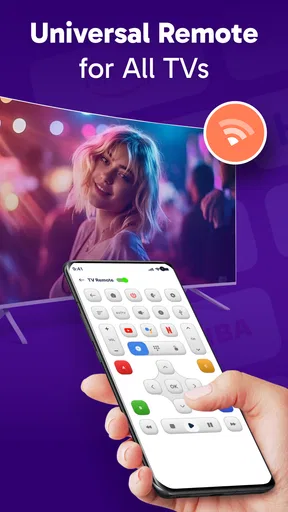
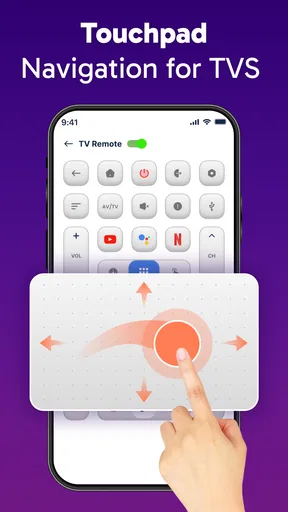
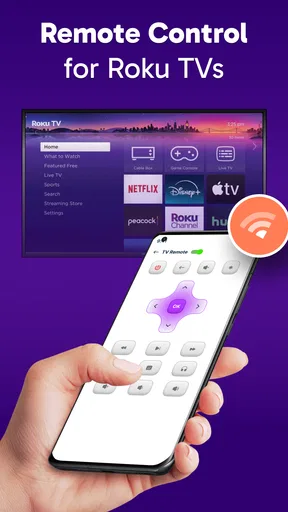
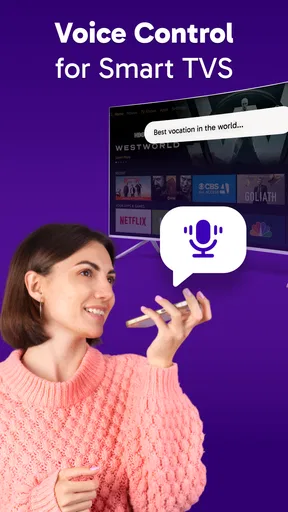
 Analysis by AppCompare
Choosing a phone-based TV remote is less about finding the longest feature list and more about checking whether it suits the way your television and phone communicate. I’d start with a simple question: can your setup connect over Wi-Fi, or does it rely on infrared? That distinction can decide whether a remote app is convenient or a dead end. In my view, TV Remote Control for all TV is most appealing when you want to try controlling a Smart TV from the phone you already carry, rather than buy another accessory.
Check the connection before you rely on it
Before making this your everyday remote, identify the TV brand and check whether the television is connected to the same home network as your phone. If the app offers your brand during setup, that is a useful first step, but it does not guarantee that every model or every function will behave identically. A TV that is offline, on a different network, or slow to respond can make a phone remote feel unreliable even when the app itself is straightforward.
Infrared is a different route: it depends on the phone having the necessary hardware and being aimed toward the television. That can be handy when Wi-Fi control is not practical, but it is not something every phone can do. I would check the phone’s capabilities before planning to leave the physical remote in a drawer. Keeping the original remote nearby during setup is a sensible fallback, especially for settings or menus you may need while testing.
Who is likely to get the most from it?
This kind of app makes particular sense in a shared living room, a guest room, or a home where the remote regularly disappears between cushions. It is also useful if you already reach for your phone while watching and would rather keep a basic control option there than search for another device. For a household with more than one TV, take a moment to confirm which television is selected before changing the volume; otherwise, the convenience of having controls on your phone can turn into confusion.
A realistic use is pausing a show when someone is at the door, then resuming it without getting up to find the remote. Another is lowering the volume during a late-night program without fumbling for buttons in the dark. These small moments are where a phone remote can earn its place. They are not reasons to expect it to replace every control on every television, though. For tasks you do often, try them during setup rather than waiting until you need them in a hurry.
Getting Started with TV Remote Control for all TV
First things first, setting up the TV Remote Control for all TV app was surprisingly easy. I downloaded it from the app store, and within a few taps, I was ready to go. The app greeted me with a clean interface, offering a guided setup that was as user-friendly as it gets. No tech expertise needed here!
The app asks you to select your TV brand from a list. Trust me, it's an extensive list, so whether you have the latest smart TV or an older model, you’re covered. Once you select your TV, it connects over Wi-Fi or via infrared, depending on your phone's capabilities.
Worth Reading Before You Choose

EA SPORTS FC Mobile 26 Is a Bigger Football Game, but It Takes Time

Flipboard Shows What News Apps Must Do Beyond the Feed

Switching to Android Auto Means Rethinking Your Driving Routine

Google Calendar Makes a Crowded Week Easier to Manage

Ludo King Makes the Most of the Minutes Between Plans

Baby Panda World Brings Quick Play to Modern Phones, but Its Game Library Feels Busy
Features That Stand Out
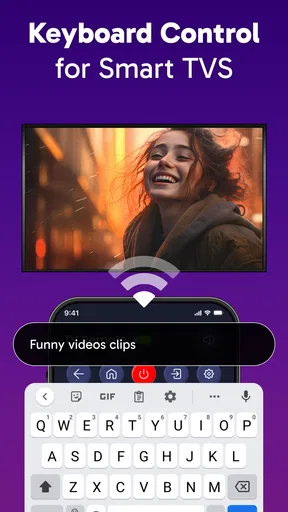
Now, let's talk features. This app isn't just about changing channels. It’s like having a universal remote with superpowers. Here are some of the standout features:
- Voice Control: Feeling lazy? Just speak your commands! The app integrates voice recognition, making it as simple as saying "Turn up the volume." It’s like having your personal assistant for the TV.
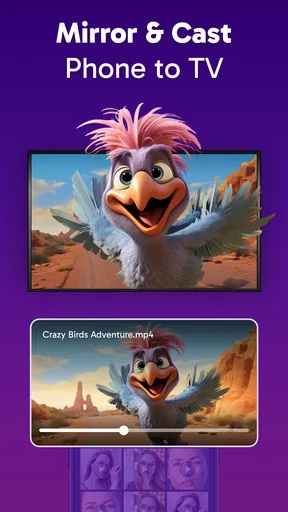
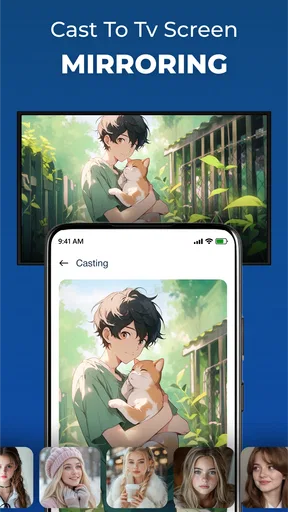
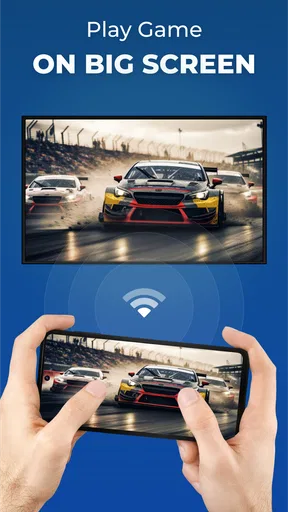
- Screen Mirroring: Want to show off your holiday photos or stream a video from your phone? The app supports screen mirroring, so you can easily display your content on the big screen.
- Customizable Interface: You can tweak the app’s appearance to suit your style. Whether you prefer a minimalist design or want to go full-on colorful, the choice is yours.
Performance and Usability
In terms of performance, the app is pretty snappy. I didn’t notice any lag between tapping a button and the action occurring on my TV. The connection was stable, which is crucial when you're in the middle of a movie and need to pause for a snack break.
The usability is another strong point. Everything is laid out intuitively, and even my tech-averse family members managed to navigate it without any complaints. The buttons are clearly labeled, and the app even includes a handy tutorial for first-time users.
What to test before replacing your remote
I would not put the original remote away until I had tried the controls I use most: power, volume, input selection, and navigation. A remote app can be a good backup for quick adjustments while still leaving the physical handset better for a TV’s full settings menus. If one control does not work as expected, check the connection and selected TV before assuming the whole app is unusable.
Screen mirroring also deserves a practical test rather than an assumption. It can be useful for showing a photo to someone in the room, but mirroring a phone display is not automatically the same as controlling every streaming service from the TV. For a planned movie night, I would verify that the viewing method I want works before guests arrive. When the aim is simply to play content from a familiar TV app, the television’s own interface may be the more direct option.
How it compares with other ways to control a TV
The usual alternatives each solve a slightly different problem. A physical remote is dependable for direct button access and often remains the easiest choice for detailed settings. A manufacturer’s own remote app may be a better fit if you want controls tailored to one brand or model. A phone remote such as this one is attractive when you want a single place to try basic TV control without carrying another handset, especially if you have already confirmed the connection works in your home.
There is also a useful distinction between a remote app and a dedicated universal remote. A dedicated device does not depend on your phone being charged, unlocked, or available to someone else, while a phone app saves you from buying and storing another controller. I would choose based on the annoyance I am actually trying to solve: lost remotes point toward a phone option; frequent use of advanced TV settings may favor the original handset.
Costs, interruptions, and switching friction
The app is free to install, and its age rating is Everyone, which makes it straightforward to consider for a household device. It has an average rating of 4.2 from around 1.7 thousand ratings, with more than 100 thousand installs. EndroMote is the developer, and version 1.6.6 is the current version. Optional in-app purchases range from $2.99 to $21.99 per item, so I would check what a purchase covers before paying rather than assume every paid option is necessary.
Ads can interrupt the experience, particularly if you open the app for a quick adjustment and have to deal with an extra screen or prompt. If you use it only occasionally, that may be a tolerable trade-off for a free app. If you expect to reach for it several times a day, consider whether the interruptions bother you enough to justify looking at the available purchase options. The app was released on September 19, 2023, and requires Android 7.0 or later, which is worth checking if you are installing it on an older phone.
Changing habits also has a small cost. You may need to unlock your phone, open the app, and make sure the right TV is selected, whereas a physical remote can be picked up and used immediately. On the other hand, once the app is set up and the phone is already in your hand, that extra step can be minor. I would treat it as a convenient backup first, then decide from everyday use whether it deserves to become the main controller.
Performance and Usability
In terms of performance, the app is pretty snappy. I didn’t notice any lag between tapping a button and the action occurring on my TV. The connection was stable, which is crucial when you're in the middle of a movie and need to pause for a snack break.
The usability is another strong point. Everything is laid out intuitively, and even my tech-averse family members managed to navigate it without any complaints. The buttons are clearly labeled, and the app even includes a handy tutorial for first-time users.
Things to Consider
While I’m singing its praises, there are a couple of things to keep in mind. The app’s effectiveness largely depends on your phone’s compatibility. If your phone doesn’t have an infrared sensor and your TV doesn’t support Wi-Fi connection, you might hit a snag.
Another point is that the app contains ads, which can be a bit distracting. However, there’s an option to remove them with an in-app purchase, which might be worth considering if you plan to use it frequently.
When I would choose something else
I would skip this as a primary remote if your TV cannot use one of the connection methods available to your phone, or if you need a reliable control option while your phone is elsewhere, switched off, or being used by another person. It is also not the best answer for someone who wants a dedicated controller with tactile buttons and no need to open an app. In those situations, the television’s supplied remote or a compatible alternative is the more practical choice.
If you are deciding whether it is worth trying, start with the connection rather than the feature list: identify the TV, check the phone’s infrared capability if you plan to use that route, and test the controls you need most. That gives you a quick, low-commitment way to judge whether it fits your setup. If the pairing proves awkward or the controls you rely on are missing, there is little reason to force the switch.
Final Thoughts
Overall, the TV Remote Control for all TV app is a handy tool that simplifies the way we interact with our televisions. It eliminates the clutter of multiple remotes and brings everything into one convenient place. Whether you're a tech enthusiast or just someone tired of hunting for the right remote, this app is definitely worth considering.
So, if you're looking to streamline your TV-watching experience, give this app a shot. You might find yourself wondering how you ever lived without it!
My recommendation
I’d recommend giving it a try if you have a Smart TV, want a remote on your phone, and are comfortable checking that the connection works before depending on it. Its strongest case is convenience for everyday adjustments and those moments when the usual remote has wandered off. I would keep the physical remote close until the app has handled your routine reliably, and I would not pay to remove ads unless regular use makes them a real nuisance.
For me, the sensible verdict is that this is a useful extra, not a guaranteed replacement for every television remote. If it connects cleanly in your home, it can make small tasks easier without adding another device to the coffee table. If dependable button-by-button control matters more than having everything on your phone, stick with a physical remote or look for an option designed specifically for your TV.
Pros
- Compatible with most TV brands.
- Easy setup with intuitive interface.
- Includes voice control feature.
- No additional hardware needed.
- Customizable button layout.
Cons
- Ads can be intrusive at times.
- Limited features in free version.
- Requires stable Wi-Fi connection.
- May not work with older TV models.
- Occasional lag in response time.
FAQs for TV Remote Control for all TV
How does the TV Remote Control app connect to my TV?
The TV Remote Control app connects to your TV using either infrared (IR) or Wi-Fi, depending on your device's capabilities. For IR, your phone must have an IR blaster. For Wi-Fi, both your phone and TV need to be connected to the same network. Make sure your TV is compatible with remote control apps.
Is the TV Remote Control app compatible with all TV brands?
The app supports a wide range of TV brands, including Samsung, LG, Sony, and more. However, compatibility can vary based on your TV model and the app's version. It's recommended to check the app's compatibility list in the description before downloading to ensure it supports your specific TV brand and model.
Are there any in-app purchases or subscriptions required?
The TV Remote Control app offers a basic free version with essential features. However, for advanced functionalities like personalized settings or ad-free experience, there may be in-app purchases or subscription options. Check the app store description for detailed pricing information before downloading.
What should I do if the app does not work with my TV?
If the app doesn't work with your TV, first ensure both your phone and TV are on the same Wi-Fi network, or that your phone has an IR blaster if using IR. Check for app updates or consult the app's help section for troubleshooting tips. You can also reach out to customer support for assistance.
Can I use the app to control other devices besides my TV?
Yes, many TV Remote Control apps allow you to control other home entertainment devices like sound systems, streaming boxes, and even air conditioners, provided they are compatible. Check the app’s features list to see all supported devices and ensure your equipment is compatible with the app's capabilities.


